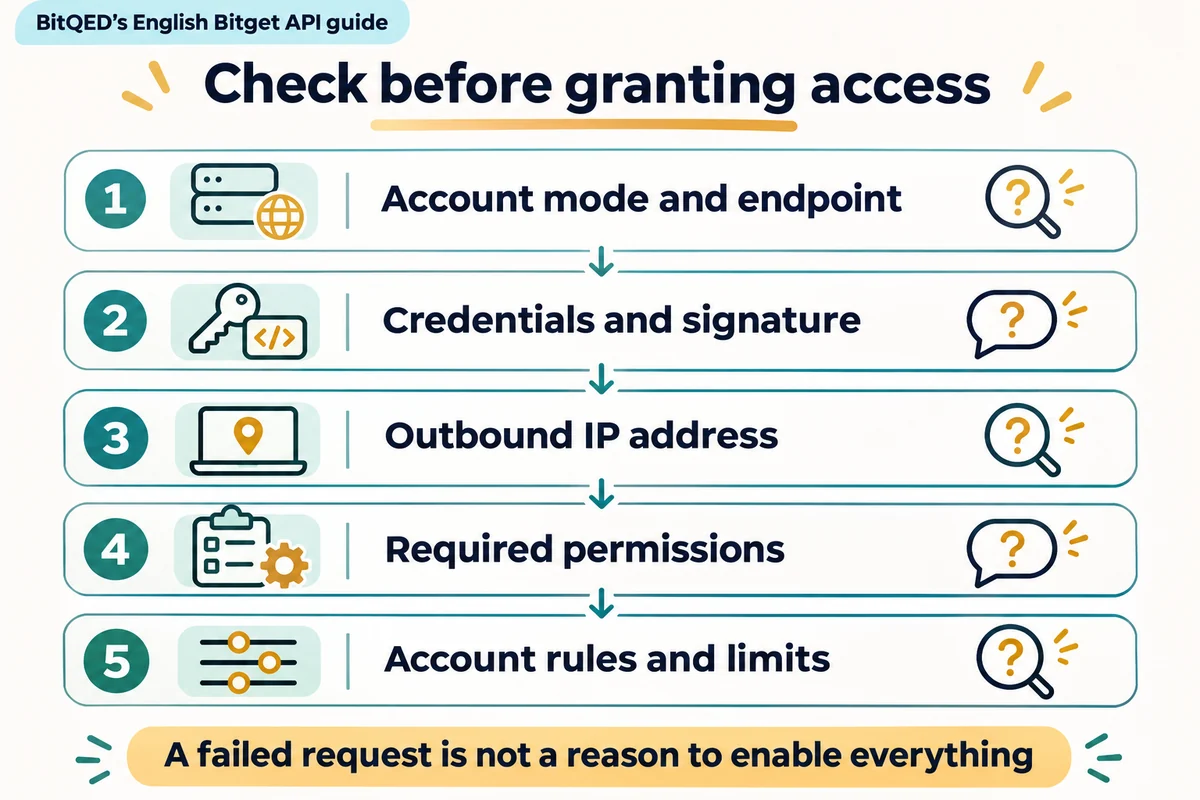
A Bitget API key gives software access to specified account functions. Choose permissions for the exact tasks the application needs, restrict the IP addresses it can connect from, and match its requests to the account’s Classic or Unified Trading Account (UTA) interface. A failed request is not, by itself, a reason to enable more permissions.
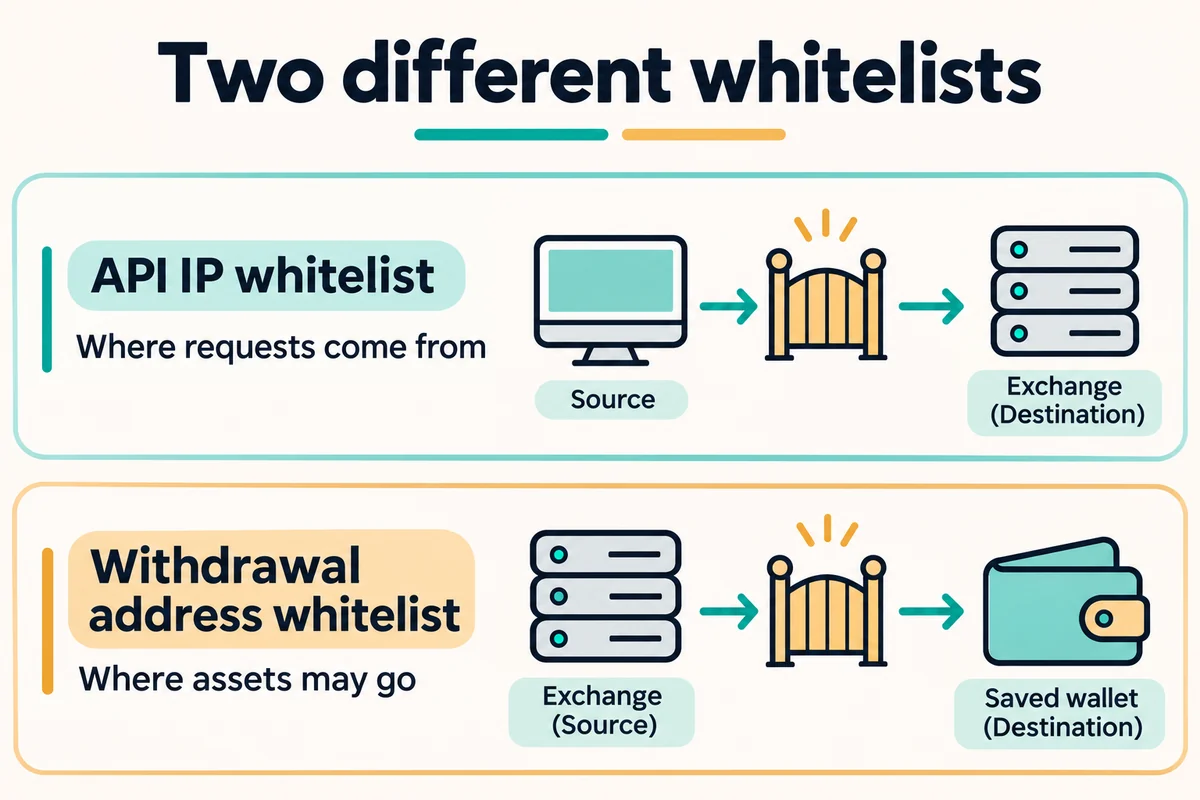
An IP whitelist controls where an API request can originate. It is different from a withdrawal-address whitelist, which controls where assets may be sent.
Documentation checked: 5 November 2026. This guide covers standard Bitget Exchange REST API credentials, not Bitget Wallet recovery phrases, OAuth integrations or broker-specific key management. The comparisons below are based on official documents; no account credentials, signed requests or trades were used to prepare this article.
Check Classic or UTA before changing a key
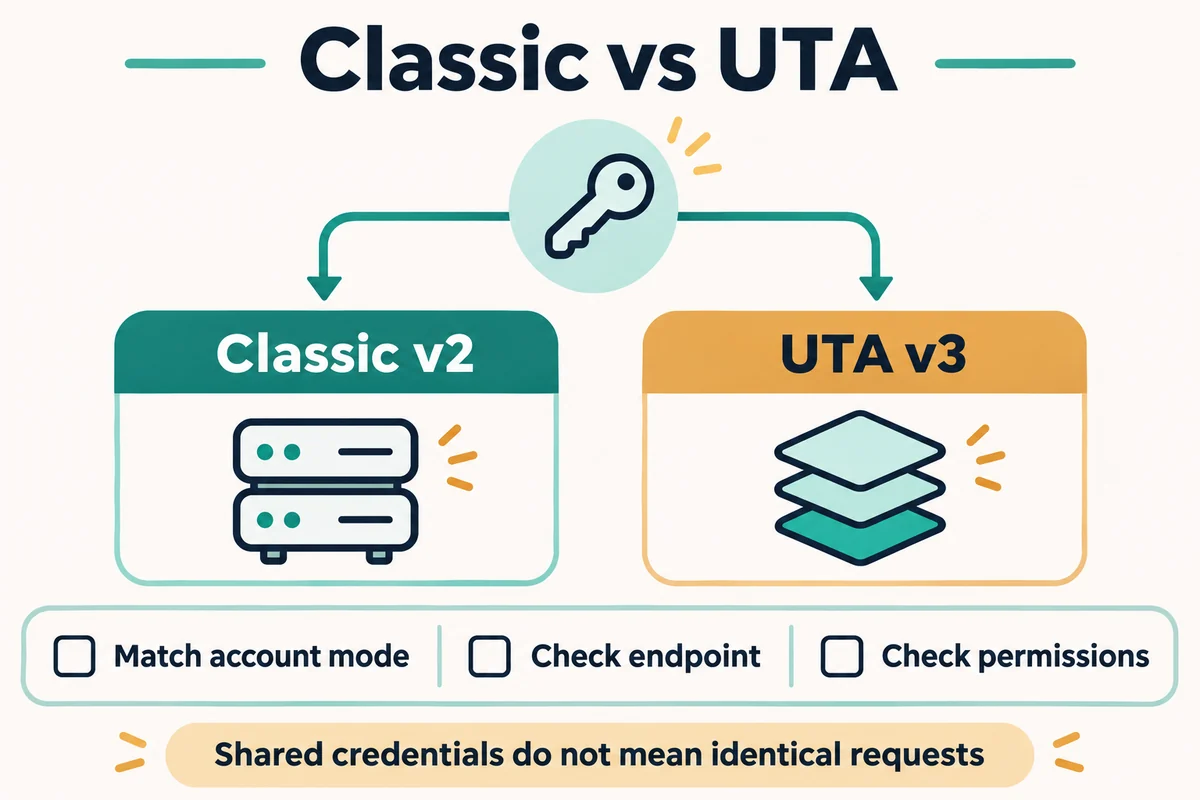
Bitget’s migration guide distinguishes Classic v2 trading routes from UTA v3 routes. For example, Classic spot and futures use separate order-placement paths, while UTA uses /api/v3/trade/place-order. These are route identifiers, not instructions to submit an order. Do not assume every wallet or administrative endpoint follows that same mapping.
The guide also says an existing v2 API key gains UTA access during the upgrade without requiring a newly created key. That does not make Classic and UTA requests interchangeable: the account mode, endpoint, permissions and parameters still need to match. The authentication mechanism is shared, but error-code meanings are not guaranteed to remain identical. Source: Bitget’s Classic-to-UTA API migration guide.
For account structure, collateral and migration risks, see the separate Bitget UTA guide. This article focuses on API access rather than whether upgrading is suitable for a particular account.
Choose permissions by task, not by application name
The Classic REST introduction lists read-only, trade, transfer and withdrawal capabilities. Public market-data endpoints may not require account authentication at all; private account requests do. A price display should not receive trading access simply because it connects to an exchange. Classic documentation also states that API withdrawals require a whitelisted IP. Source: Bitget Classic REST API.
UTA separates trading access from account-management access. Checking one does not automatically supply the other.
UTA permission comparison by intended task
| Application task | Documented permission category | What to avoid adding automatically |
|---|---|---|
| Read order information | UTA trade, read-only | Order placement or cancellation access |
| Place or cancel orders | UTA trade, read and write | Account-setting changes or withdrawal access |
| Read account settings | UTA management, read-only | Permission to change those settings |
| Change settings such as leverage or holding mode | UTA management, read and write | Unrelated trading or withdrawal capabilities |
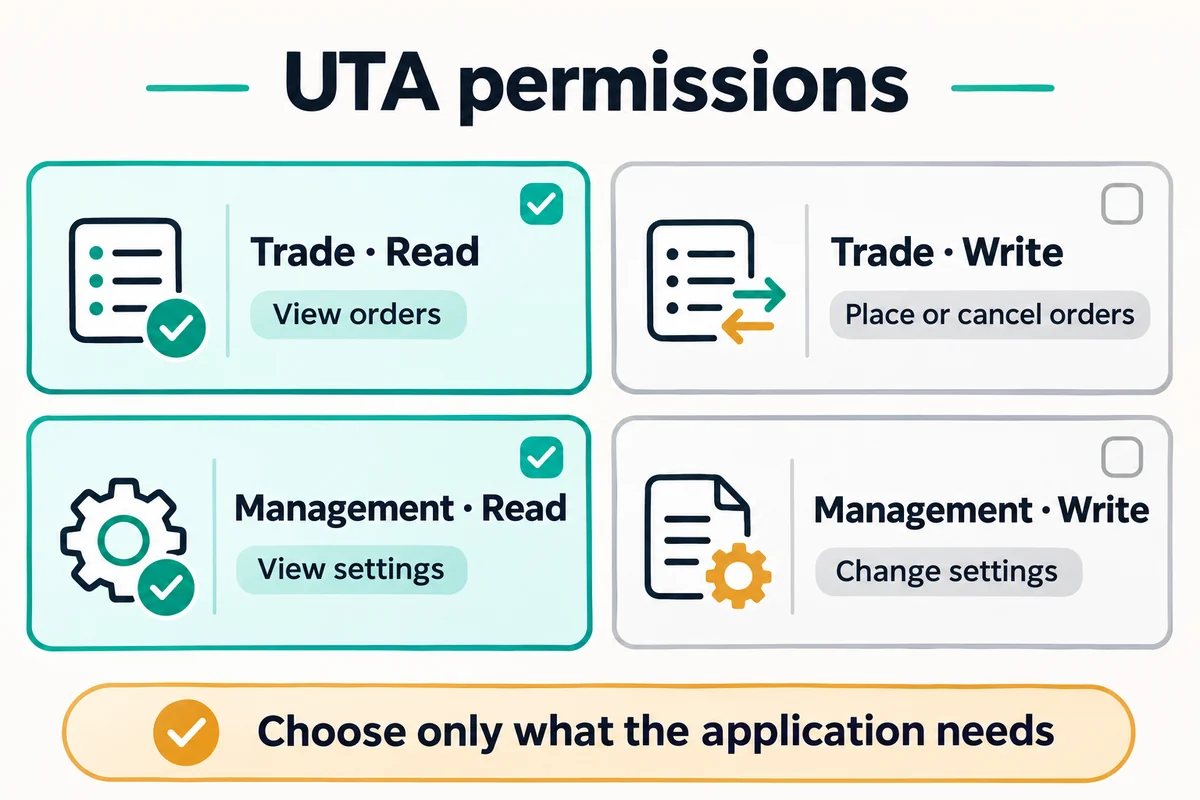
Comparison: BitQED, using Bitget’s UTA Quick Start. The order-management reference explicitly distinguishes read-only order queries from read-and-write order placement and cancellation. Check the permission on each endpoint your application actually calls; this table is not a universal checkbox recipe for every integration.
A reporting application that reads both order history and account settings may need both relevant read categories. It does not follow that it needs their write equivalents. Ask an integration provider to identify the requested endpoints rather than accepting “enable everything” as an explanation.
Which IP belongs in the whitelist?
Use the public outbound IP address from which the application actually reaches Bitget. Your laptop, a separate machine running the application and a network gateway may present different outbound addresses. The address visible to a website in your browser is not necessarily the address used by a program running elsewhere.
As a practical diagnostic check, compare the application’s current outbound address with the key’s allowed addresses. Moving an application or changing its network can break that match even when its credentials have not changed. Confirm the address with the system or integration operator; do not add unrelated addresses or remove the restriction merely to suppress an error.
Bitget recommends binding an IP to API keys, and its API terms call for necessary permissions, separate purposes and IP whitelisting. These controls reduce exposure; they do not establish that the application or its operator is trustworthy. Sources: Classic REST security guidance, API Key Terms of Use, section 4.
A blockchain destination is not an API source IP. If your question concerns saved withdrawal destinations, use the withdrawal-address whitelist guide instead.
Keep credentials and account settings separate
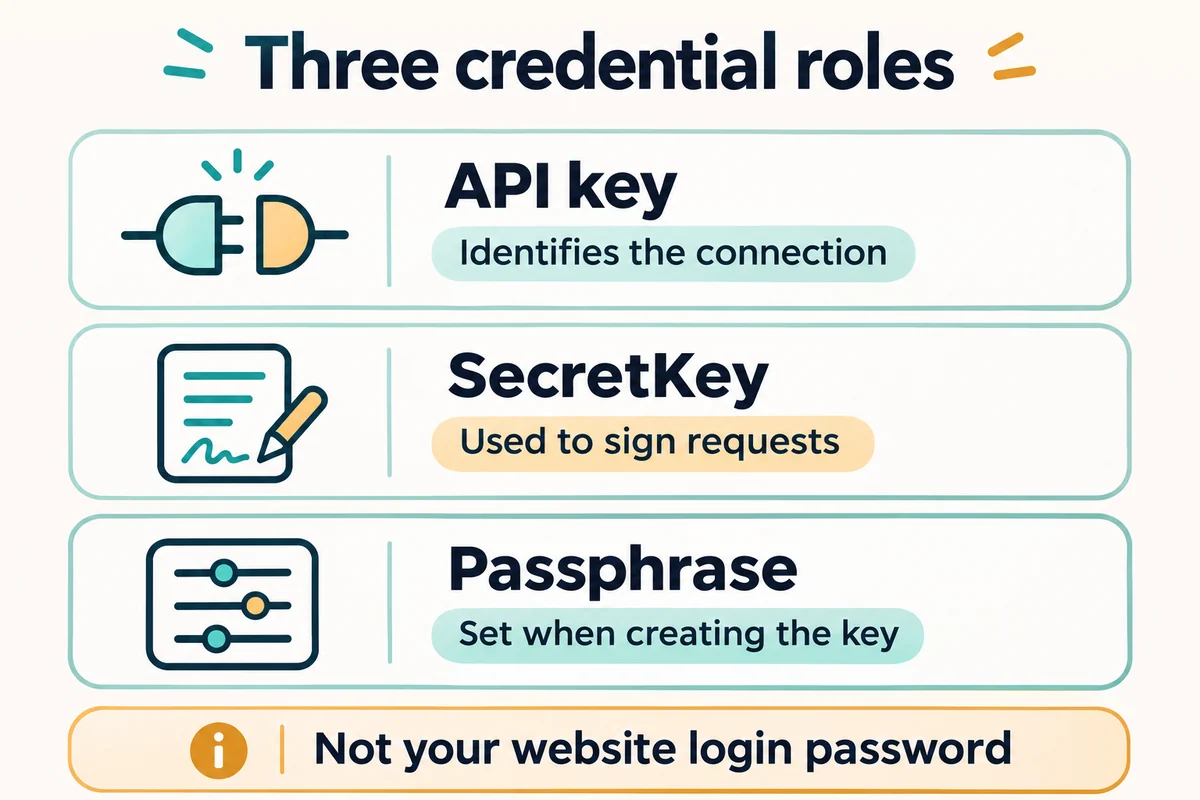
Bitget distinguishes three credential components: the API key identifies the connection, the SecretKey is used to generate signatures, and the passphrase is set when the key is created. The API passphrase is not your website login password or an authenticator code. Bitget’s guidance says a forgotten API passphrase cannot be retrieved; the key must be recreated. Sources: REST credential definitions, API FAQ.
For UTA, the documented /api/v3/account/info response includes ips, permType and permissions. The separate /api/v3/account/settings endpoint describes account configuration and requires UTA management read access. Checking key restrictions and checking trading configuration are therefore different tasks. Do not post either response publicly: account identifiers and other sensitive details may be included. Source: Bitget account endpoint reference.
Diagnose the failure before widening access
First record the requested method and path, API family, account mode, environment, error code and message. Keep credentials, authorization headers and private account data out of shared logs.
Selected errors and the first check they support
| Documented response | Scope checked | First diagnostic check |
|---|---|---|
40038: source IP is outside the key’s whitelist | Classic error table | Compare the application’s outbound IP with the configured whitelist |
40036: passphrase error | Classic error table | Check the credential set; do not substitute a login password |
40008 / 40009: expired timestamp / signature error | Classic and UTA error tables | Check clock, timestamp format and signing inputs |
40014: insufficient permissions | Classic error table | Compare the requested endpoint with the enabled capability |
25245: account is not in unified mode | UTA error table | Check account mode and endpoint compatibility |
These are selected documented meanings, not results of live tests. Use the reference for the API family that returned the response; absence from one table does not prove a code can never be returned elsewhere. Sources: Classic REST errors, UTA REST errors.
For a signed REST request, Bitget documents ACCESS-KEY, ACCESS-SIGN, ACCESS-TIMESTAMP and ACCESS-PASSPHRASE. Its signing instructions use the uppercase method, path, query string when present, and request body. A signature based on different request content will not be repaired by adding trading permission. Source: Bitget REST authentication and signing.
After those checks, distinguish an access problem from account restrictions, product eligibility, invalid order parameters or rate limiting. Follow the applicable endpoint’s limits rather than repeatedly resending a failed request. Do not use IP changes to evade regional restrictions.
No withdrawal permission does not mean no risk
A read-only integration can expose private account information. A trading-enabled integration can place unwanted orders and cause losses without making an external withdrawal. An IP whitelist also cannot prevent misuse by an authorized application operating from an allowed address.
Use a separate key for a clearly defined application, remove unused keys and revoke a suspected compromised key. Do not put secrets in public code, screenshots, chat messages or support tickets. Bitget’s API terms address credential handling and third-party control; check them before connecting a service. For broader sign-in protection, see the Bitget account-security guide. Source: API Key Terms of Use.
Disclosure and limits: BitQED is an independent information site and may earn commissions from qualifying partner links elsewhere on the site. This article contains no account-connection service and does not guarantee API access, security, execution or investment results. Documentation, account eligibility and interface labels may change; confirm the current endpoint and account requirements before authorizing software.