If Bitget shows frozen assets, first compare your total balance with your available balance and read the account notice. A reserved balance, a disabled account, an individual withdrawal restriction, and a platform-wide pause are different problems. Do not send money to anyone promising to “unlock” your account, and do not assume a withdrawal delay proves your account was singled out.
What does “frozen” mean on Bitget?
Identify exactly which action fails: using an available balance, logging in, submitting a withdrawal, or accessing a service Bitget has paused for many users. Your account screen and official notice are more relevant than another user’s social-media screenshot.
| Symptom | Possible category | Check first |
|---|---|---|
| Total assets exceed available assets; login works | Balance reserved for an order, P2P trade, copy trade, product, or pending withdrawal | Open orders, product balances, withdrawal history |
| Login says the account is disabled | Self-disabled account or account-level security/compliance action | Official login flow and account notices |
| Trading works but withdrawal is blocked | Withdrawal requirement, security hold, risk review, network issue, or broader pause | Exact error, KYC, available balance, live service notice |
| Many users cannot withdraw the same asset | Platform or network-wide interruption | Official Bitget announcement, not a personal “unlock” offer |
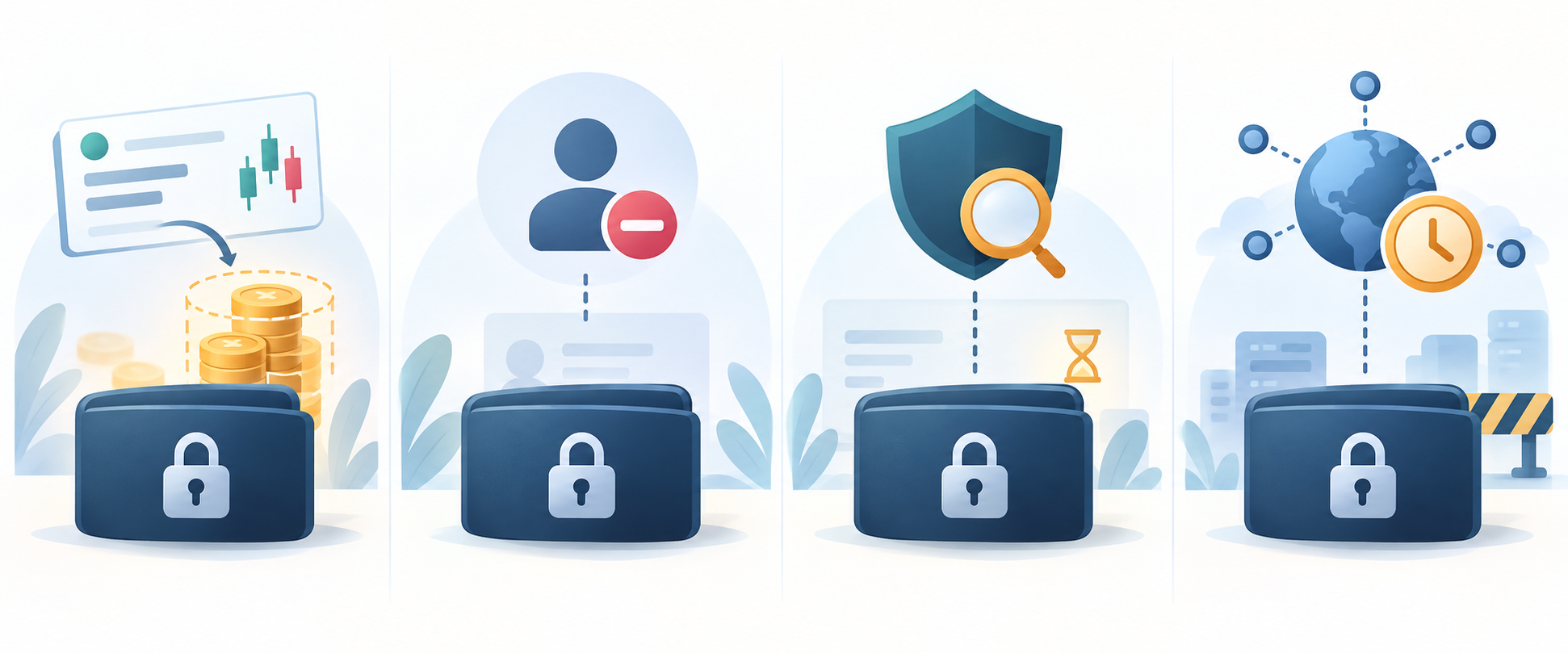
1. Frozen asset balance: check reservations
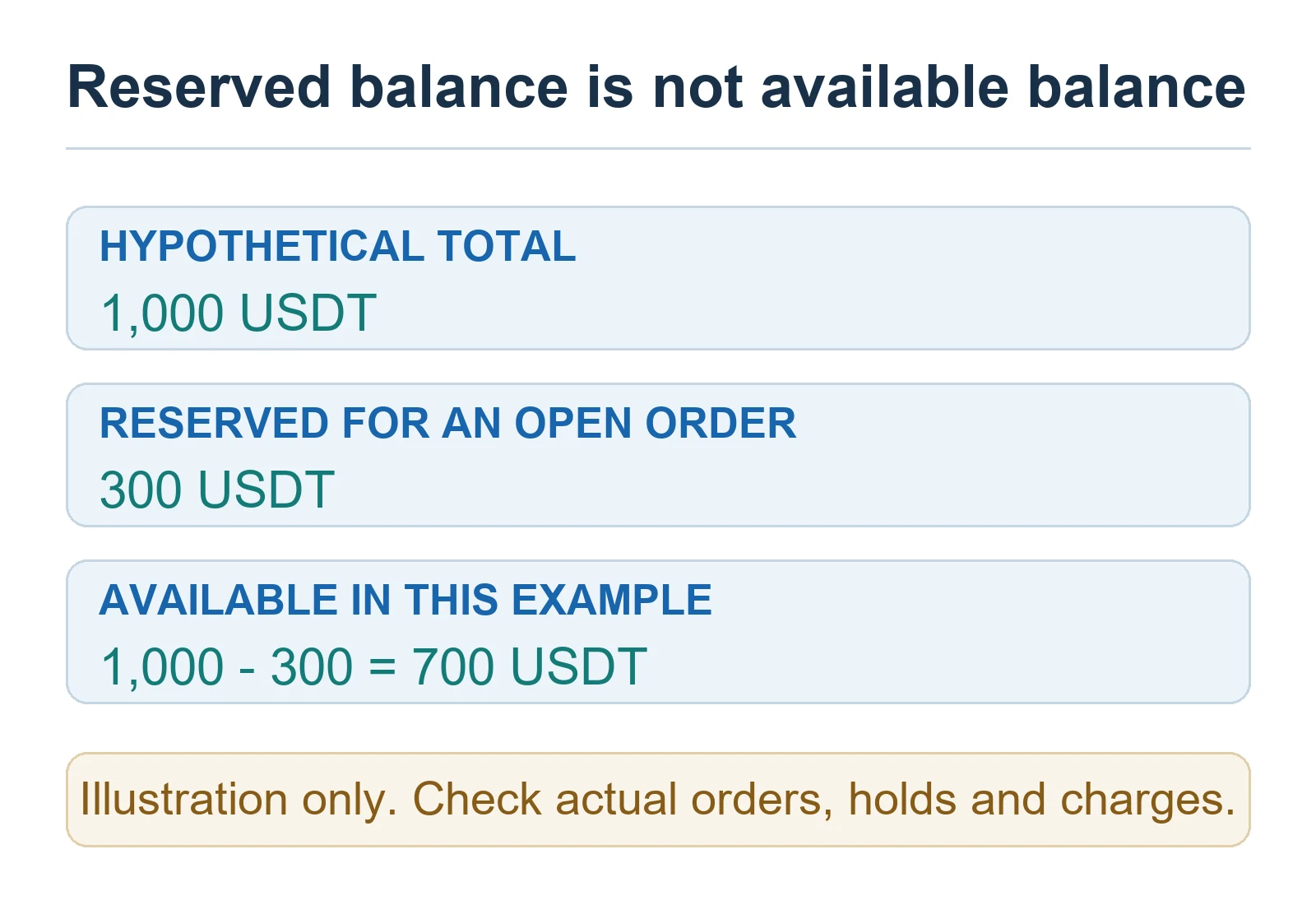
Bitget’s frozen-assets guide lists open orders, P2P activity, copy trading, pending withdrawals, identity checks, security review, maintenance, and policy restrictions among possible causes. “Frozen” in a balance view can mean the units are committed elsewhere and cannot be spent twice; it does not necessarily mean your whole account is banned.
- Compare total, available, and frozen balances for the same coin and account type. Check spot, futures, funding, and product balances separately.
- Match the amount and time to open orders, active P2P trades, copy-trading commitments, Earn subscriptions, and pending withdrawals.
- If an ordinary unfilled order is yours and you no longer want it, review its terms before canceling. Cancellation may release its reserved balance; an executed or partially filled order will not simply revert. Do not cancel or release a P2P order outside Bitget’s official dispute flow.
- If nothing matches, read the Notification Center and account email, then ask official support about the exact balance.
2. Disabled account: use the correct unlock route
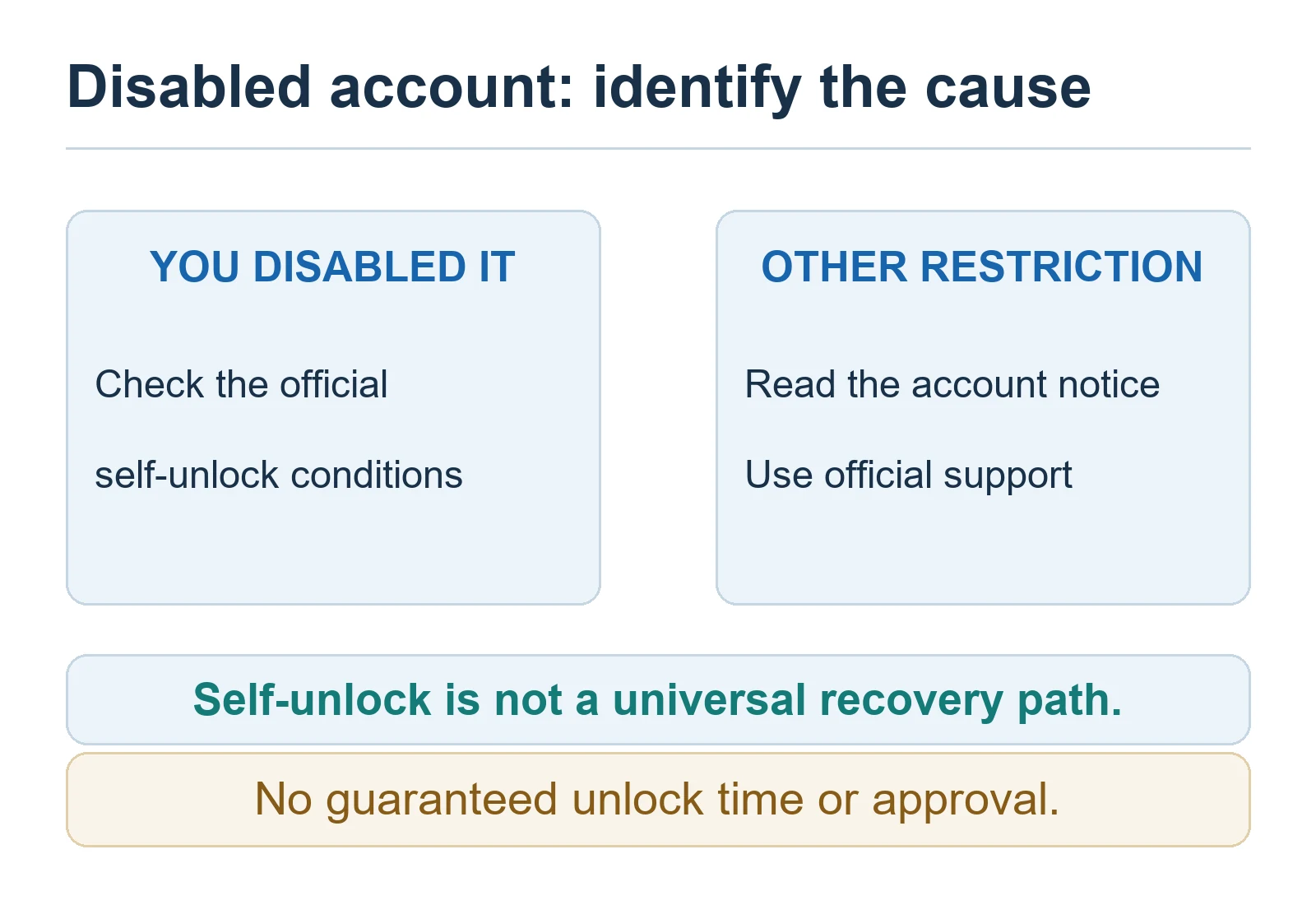
Bitget’s disable and unlock guide describes self-service for an eligible main personal account, not every corporate account or subaccount. Disabling an account may block login, trading, and withdrawals and cancel orders or bots. Do not disable your account as a casual troubleshooting step.
If you disabled an eligible account, start at Bitget’s official login page, select Unlock account when offered, complete the verification code and identity questions, and provide ID or video only through the official flow if prompted. Requirements and review times vary; there is no guaranteed unlock clock. If you did not disable it, or this flow does not apply, contact official support with the exact error instead of forcing an unrelated procedure.
If unauthorized access is possible, secure your email and devices, review recent account activity, and follow Bitget’s security instructions. Our Bitget account security guide covers passkeys and 2FA. Do not follow unsolicited “support” links.
3. Withdrawal blocked while login still works
A failed withdrawal is not automatically an account freeze. Bitget’s withdrawal guide cites minimum amounts, identity verification, insufficient available balance, address or memo errors, limits, recent security changes, and maintenance. Some security changes can cause a temporary hold, but do not assume every case lasts 24 hours.
Read the precise error. Confirm coin, network, address, required memo/tag, minimum amount, fee, and available balance. Check official notices for a service pause. If Bitget already accepted the withdrawal and produced a transaction ID, use our Bitget withdrawal-not-received checklist to distinguish Bitget processing, on-chain confirmation, and destination crediting. Do not send a second transfer just because the first looks slow.
4. Historical platform-wide pause versus current account restrictions
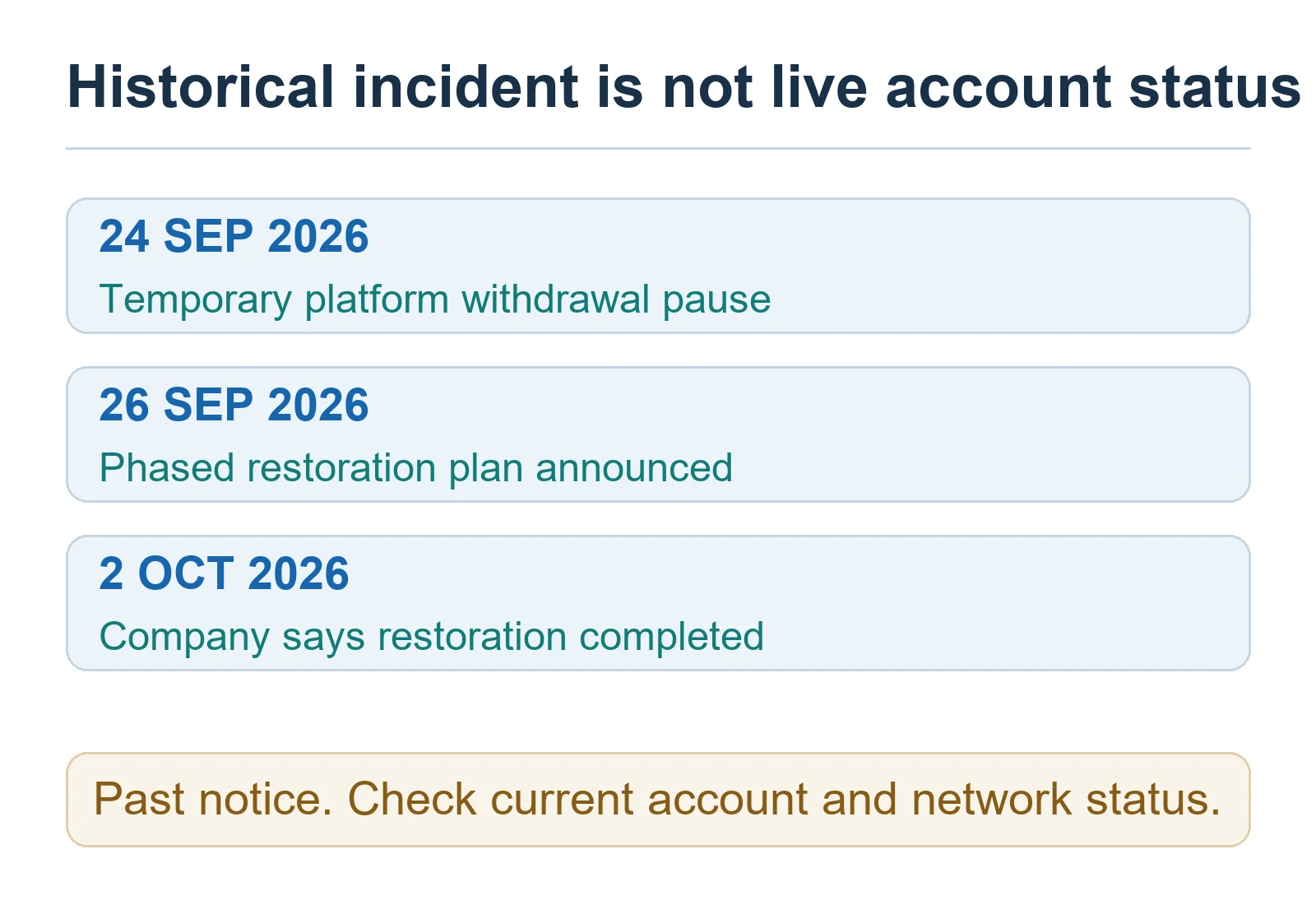
Status update checked October 18, 2026. Bitget’s October 2 completion announcement says its previously announced phased restoration of token withdrawals, fiat and C2C services was completed. That is the company’s announcement, not an account-by-account availability guarantee. The September 26 phased timetable is historical and should not be read as a current platform-wide pause. Check the affected asset/network and any separate account error or later maintenance notice.
What to send support — and what never to send
Use support inside Bitget’s official website or app. Provide the account category, affected asset and network, failed action, exact error wording, approximate UTC time, and relevant order, withdrawal, or transaction ID. Redact unrelated balances or personal information from screenshots unless the authenticated support form requests them.
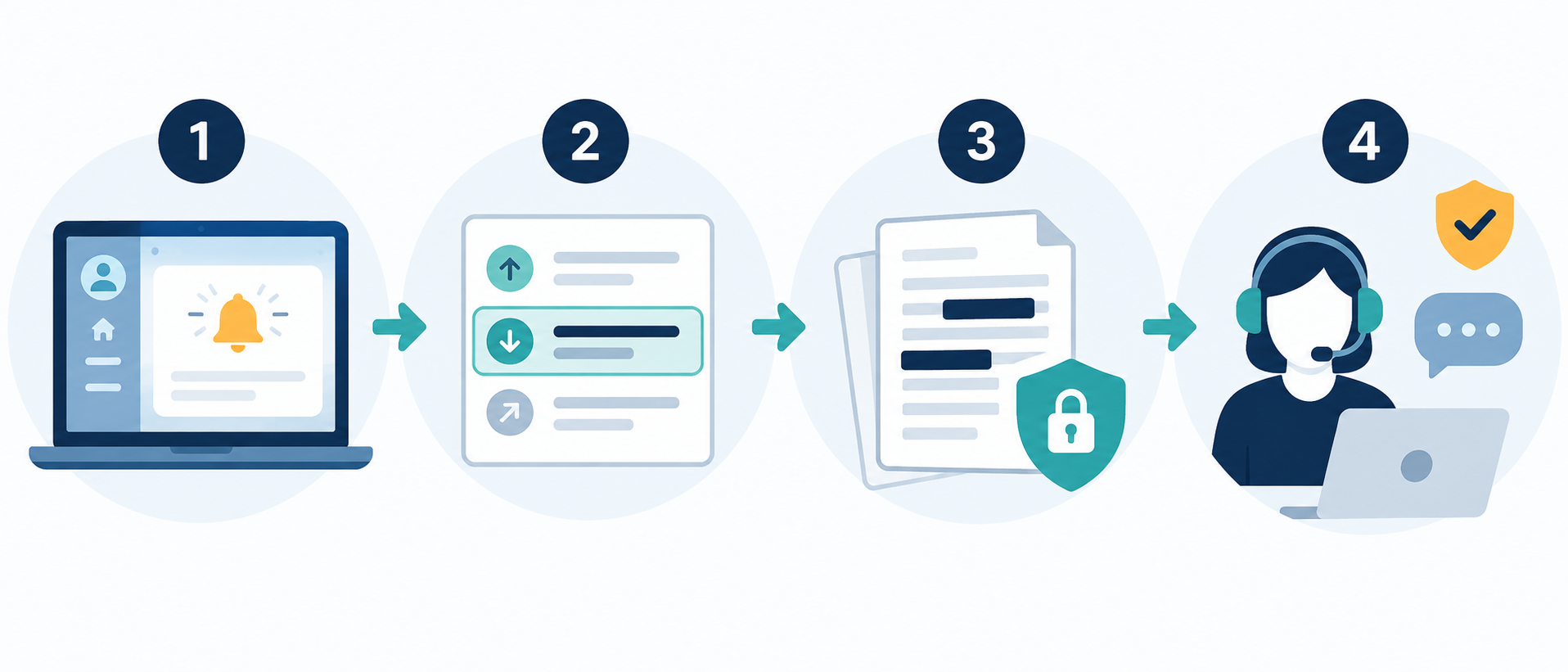
Never give a password, 2FA code, seed phrase, or remote-control access to a supposed “unfreeze agent.” Never pay a third party an upfront release fee. Upload identity material only when Bitget’s authenticated workflow asks for it. Save the case reference and follow up in the same thread.
Sources and disclosure
Troubleshooting sources originally checked September 27, 2026 against Bitget’s frozen-assets guide, withdrawal guide, disable/unlock guide, and historical September 26 notice. Policies and schedules can change; check the source and your account notice before acting.
BitQED is an independent, affiliate-supported educational site, not Bitget support. We may earn a commission from eligible referral links elsewhere on this site. No code, link, or checklist guarantees access, withdrawal eligibility, fund recovery, a discount, or returns. Crypto assets and exchange custody carry cybersecurity, operational, market, and regulatory risk.